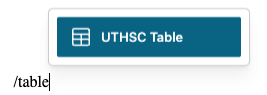
1. Insert the UTHSC Table block
- Edit the page or post where you want the button.
- In the search field, type /table or /uthsc to filter blocks.
- Select the UTHSC Table block from the results.
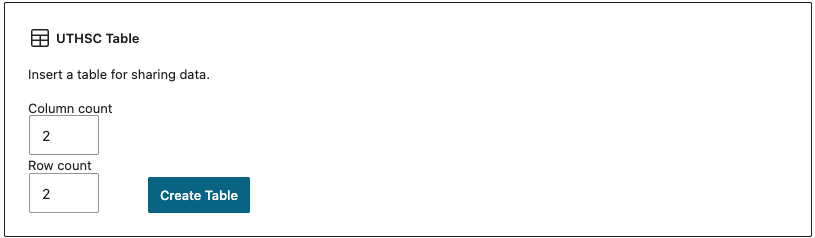
2. Choose Number of Columns and Rows
After selecting the table block, you will be able to use the arrows to increase or decrease the number of columns and rows on your table.
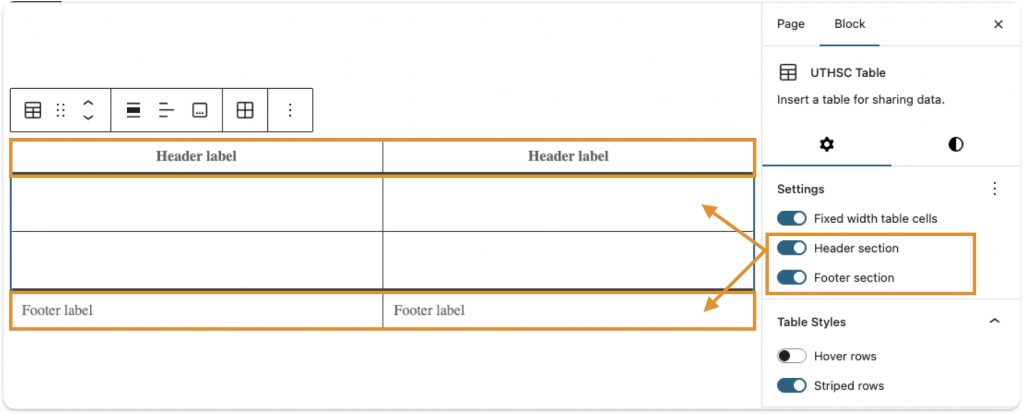
3. Optional: Header and Footer
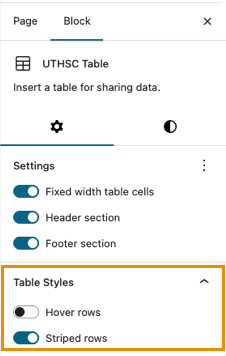
You have the option to toggle on a header and footer for your table. Use what works best for your use case.
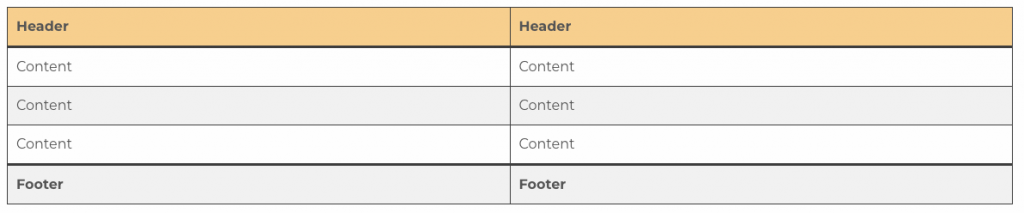
4. Table Style Options
You can style your table in two ways or combine them:
- Striped rows
- Hover effect on all rows
5. Save and Publish
After styling the table with your content added, save or publish, and you’re done!