1. Insert the UTHSC Callout block
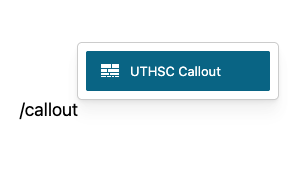
- Edit the page or post where you want the callout block.
- In the search field, type /callout or /uthsc to filter blocks.
- Select the UTHSC Callout block from the results.
2. Choose Color Based on Content’s Level of Importance
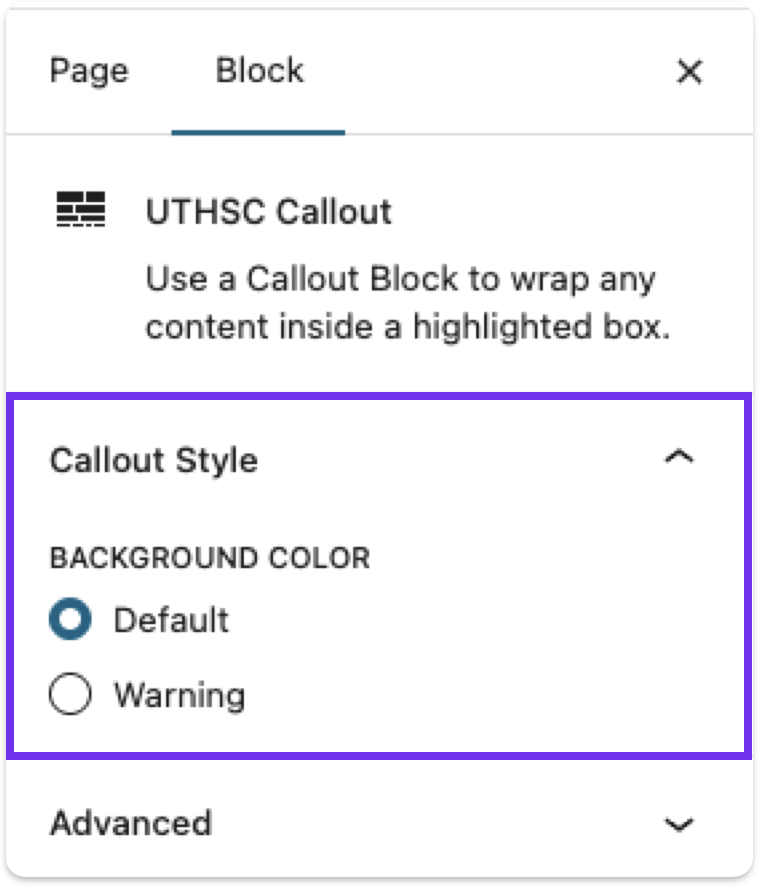
In the menu on the right side, there are two colors choose from. Choose the one that best suites your design.
- Default (Grey)
- Warning (Yellow)
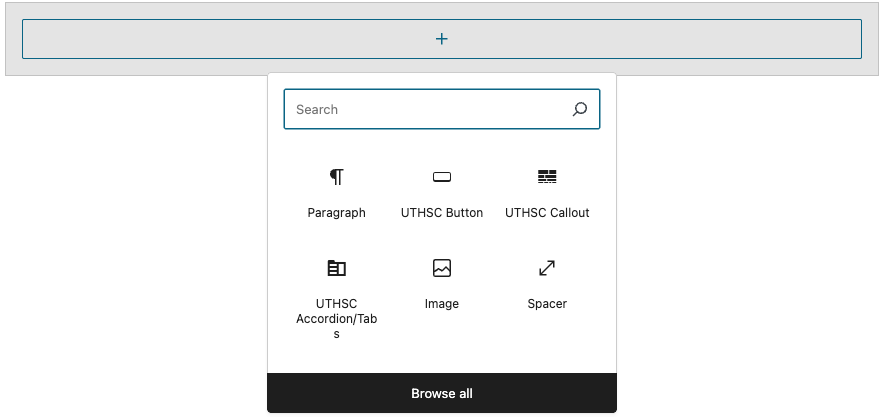
3. Add Your Content
There are many blocks you can use to display your content. Use what works best for your use case.
4. Save and Publish
After styling the callout with your content added, save or publish, and you’re done!