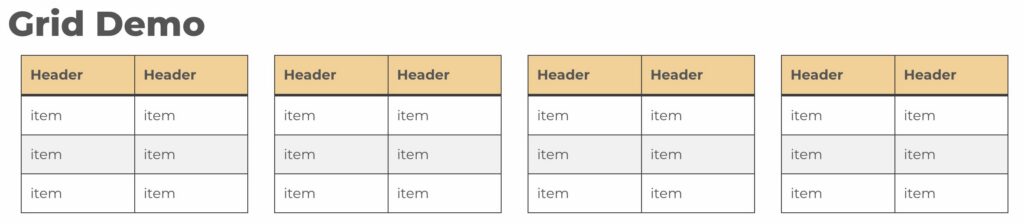
1. Insert the UTHSC Grid block
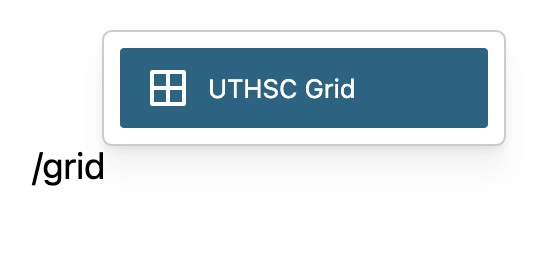
- Edit the page or post where you want the grid block.
- In the search field, type /grid or /uthsc to filter blocks.
- Select the UTHSC Grid block from the results.
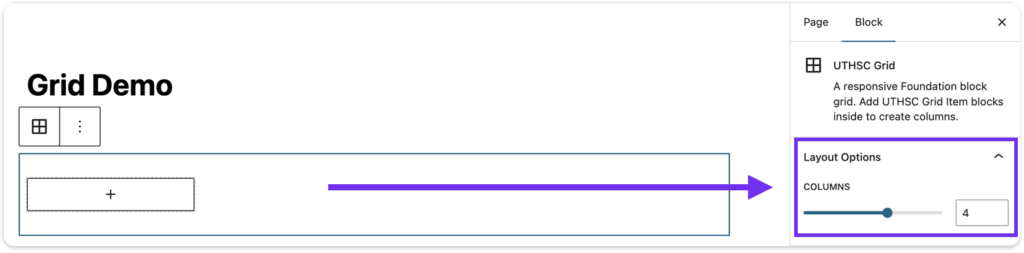
2. Choose Number of Columns
After selecting the UTHSC Grid, you can select however many columns you need for your content.
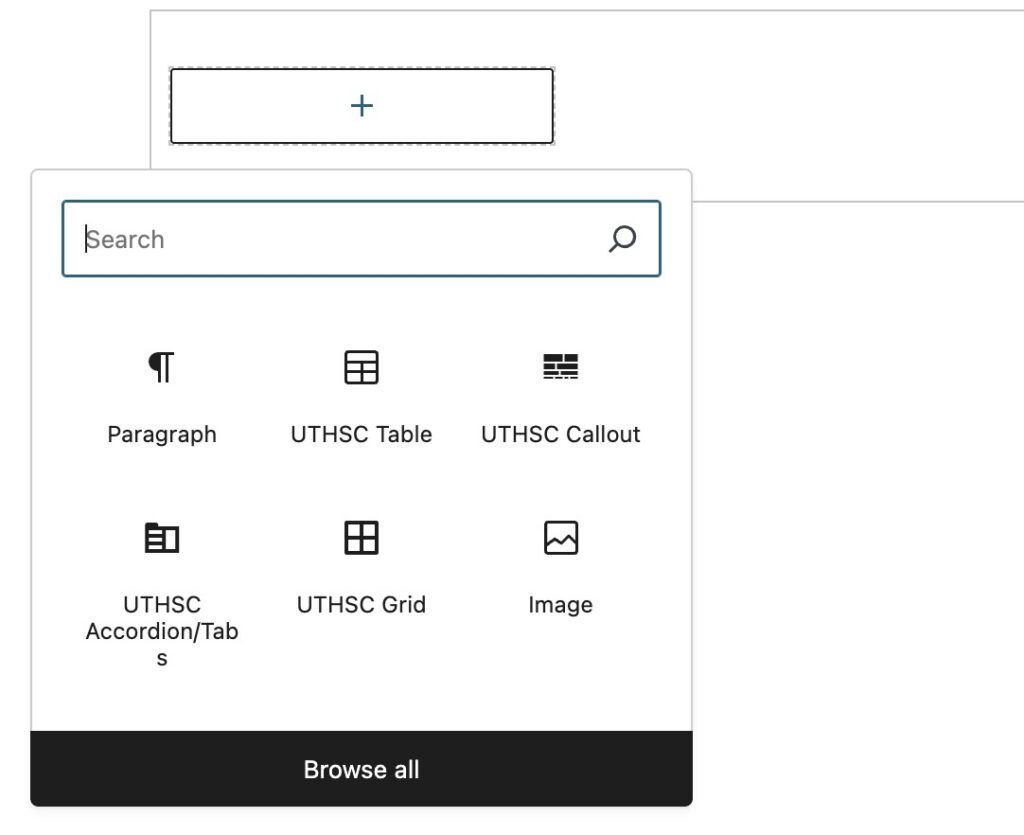
3. Select Blocks for Grid
Add your content as needed using any UTHSC or WordPress block. That includes text, images, accordion/tabs, and buttons.
4. Save and Publish
After styling the grid with your content, save or publish, and you’re done!